Note Tako
Capture ideas fast, turn notes into tasks, and sync securely across iPhone, and iPad — powered by your iCloud.
Effortless Note-Taking
Clean, distraction-free editor. Capture ideas instantly and format without leaving the keyboard.
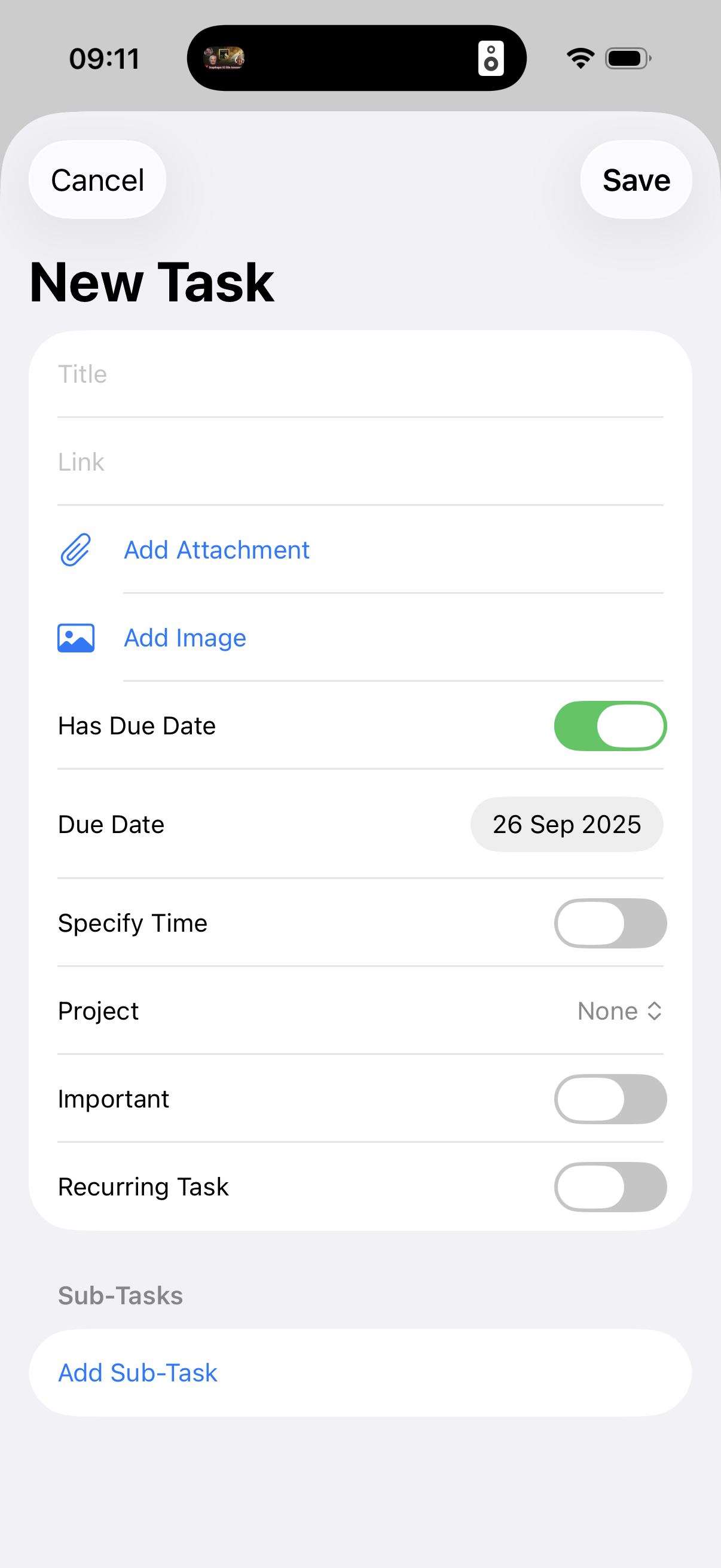
Tasks & Deadlines
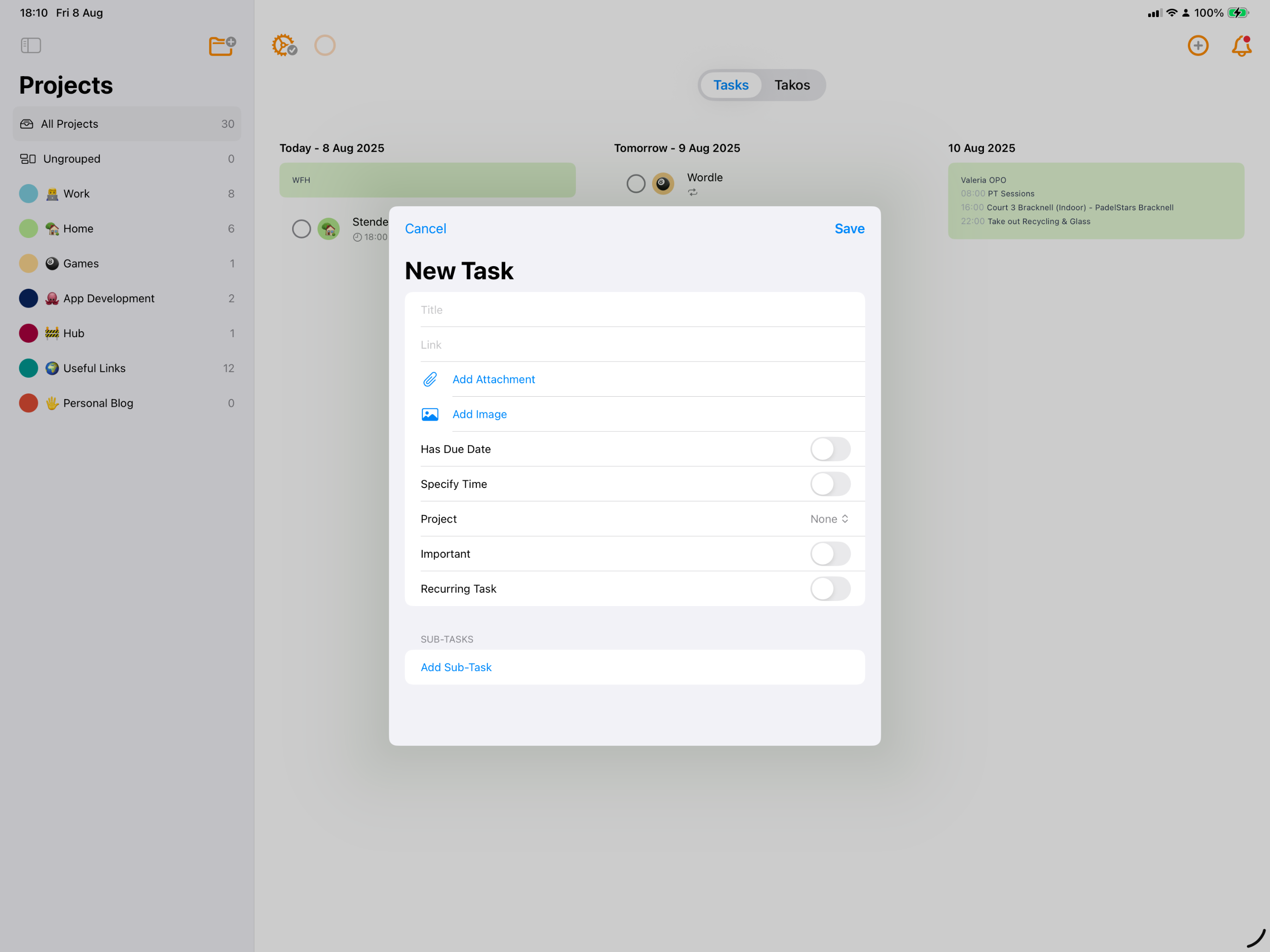
Turn any note into a task with due dates. See what’s next at a glance and check off with one tap.
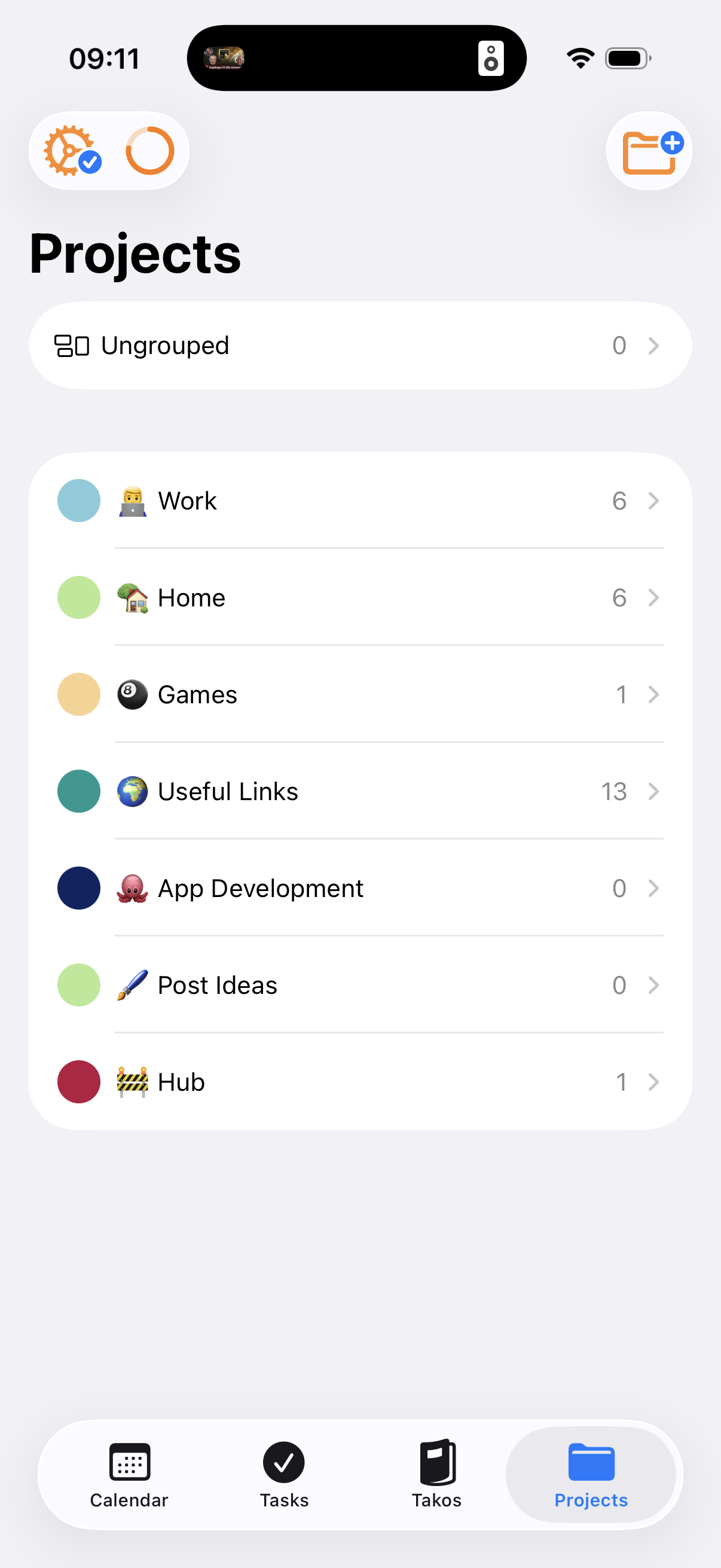
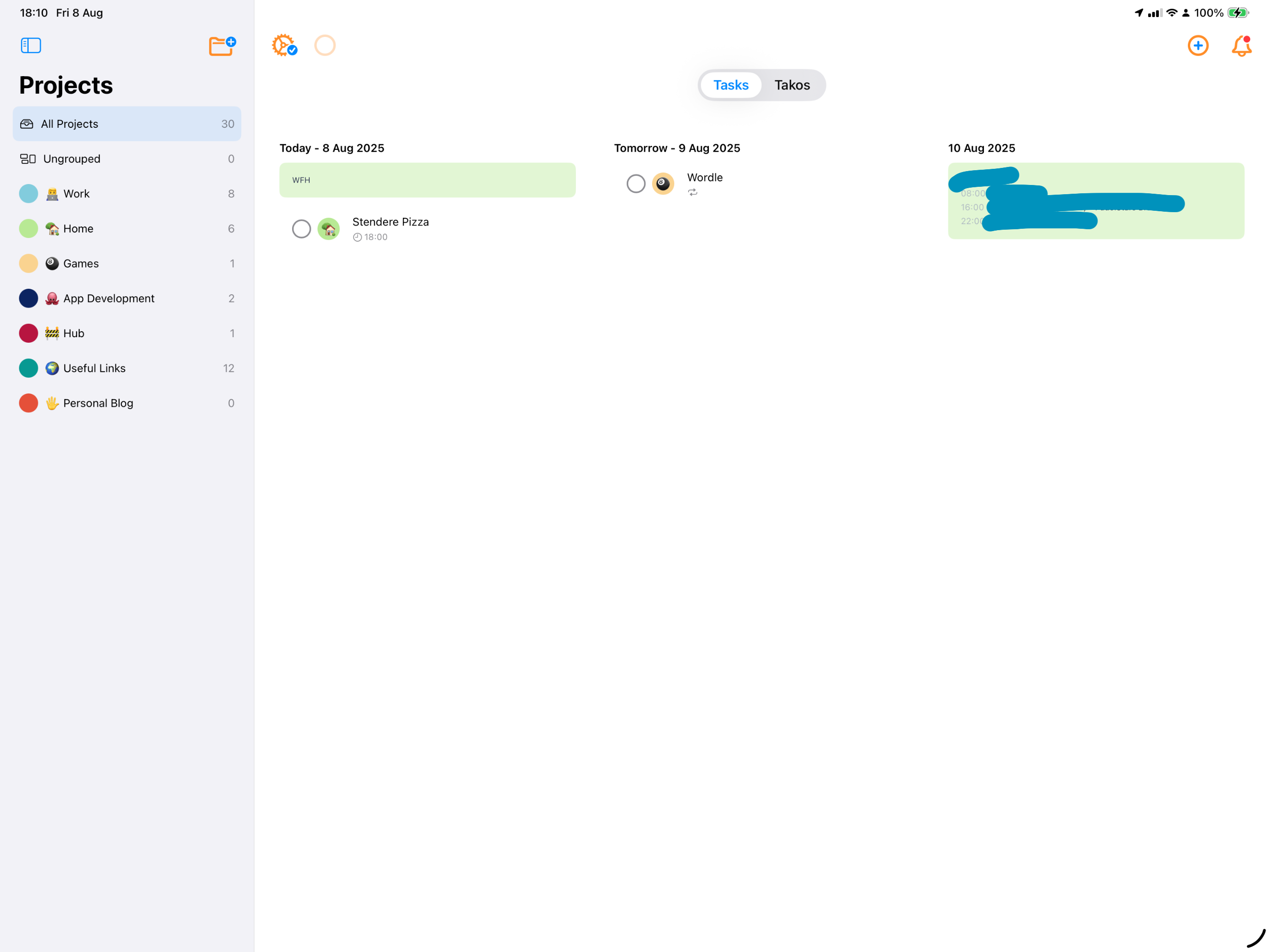
Projects
Group related notes in Projects for fast filtering and tidy organisation.
Offline First
Works offline, so you’re never stuck. Syncs to iCloud as soon as you are back online
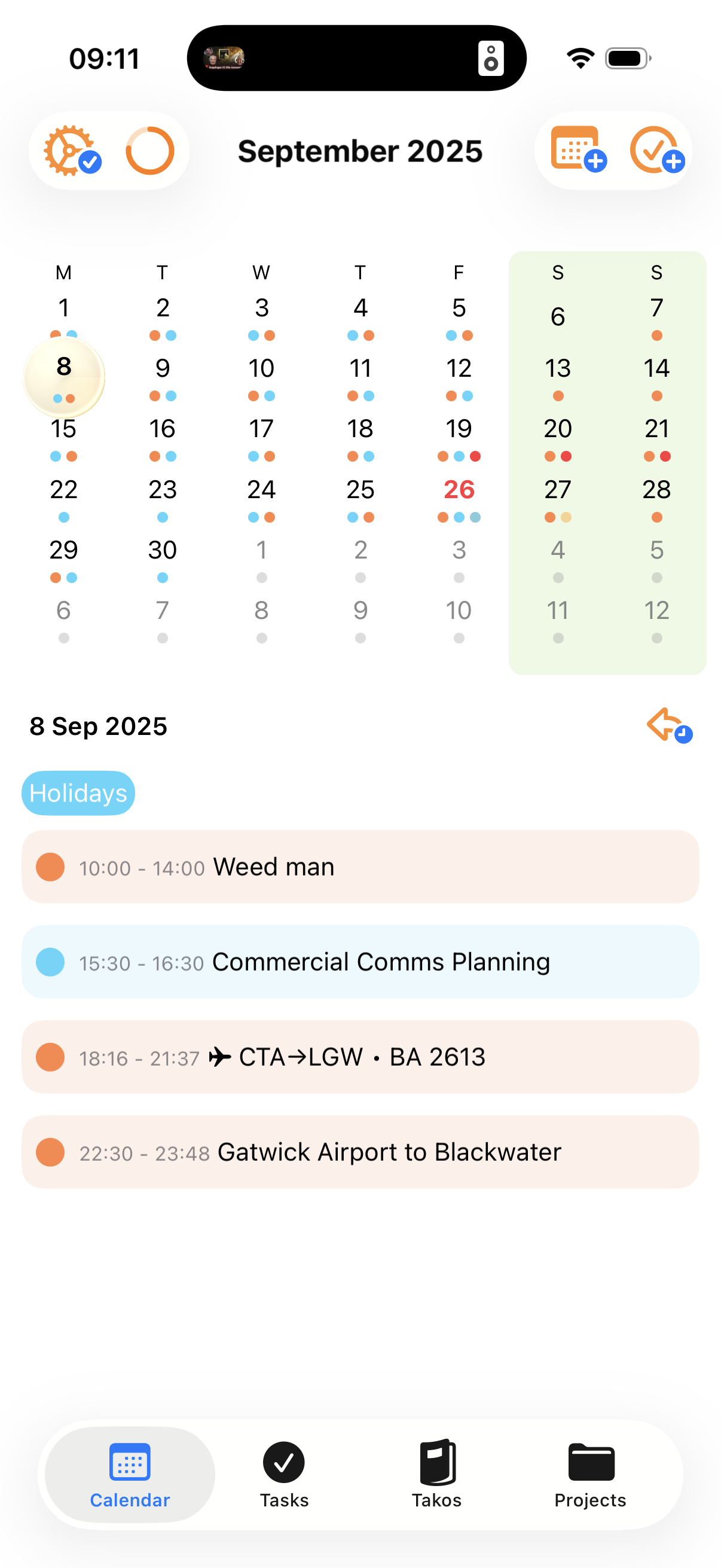
See your calendars
Display your iOS calendars in the app to fully manage your day at a glance!
iCloud Sync
Your data lives in your iCloud. Secure, private, and instantly in sync across iPhone and iPad
Sign in with Apple
No passwords to remember. Fast, private sign-in with granular data sharing.
Fasting Tracker
Fasting? In a note taking app? Yep! Just another part of your daily routine
See Note Tako in Action
A simple, beautiful interface that stays out of your way.